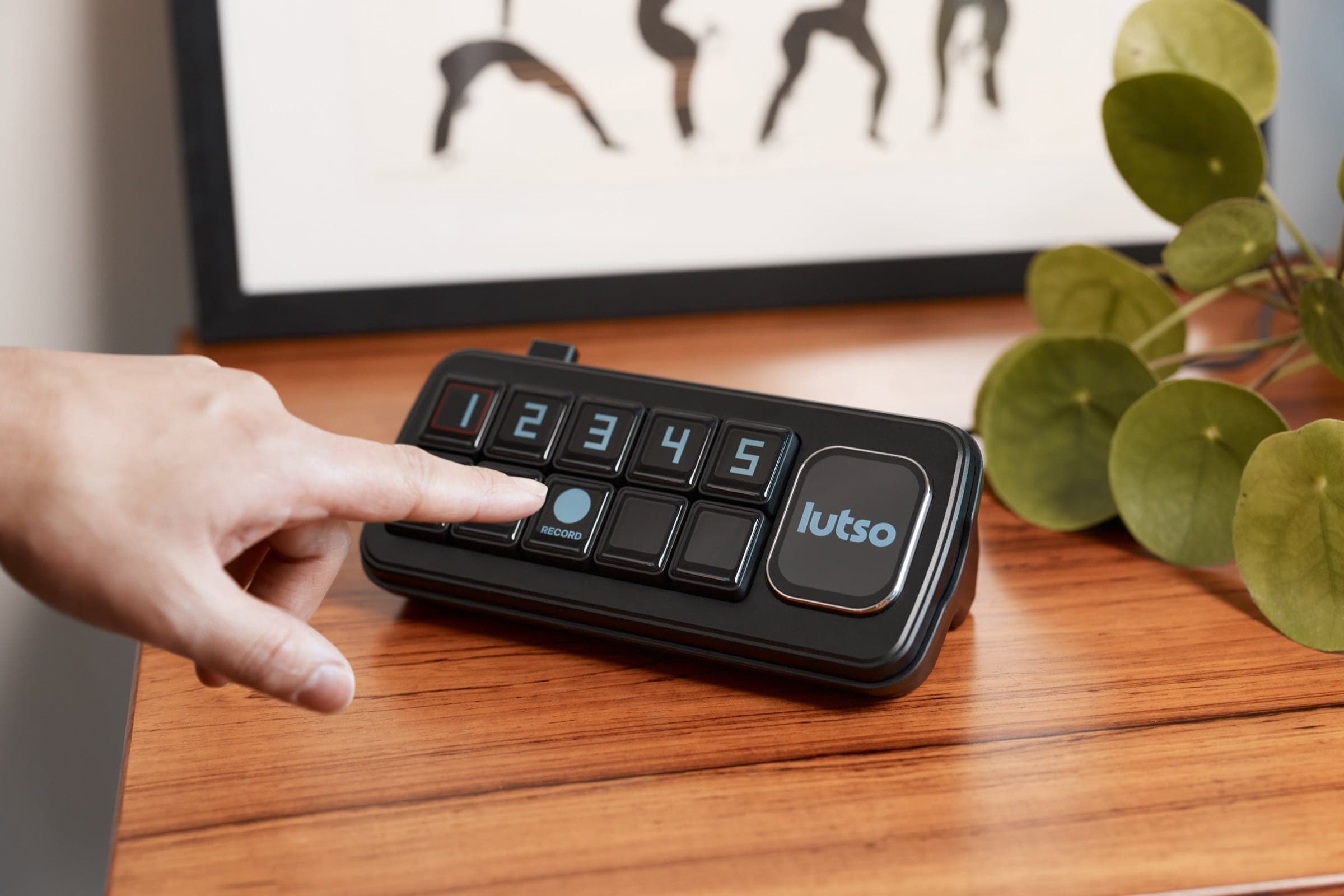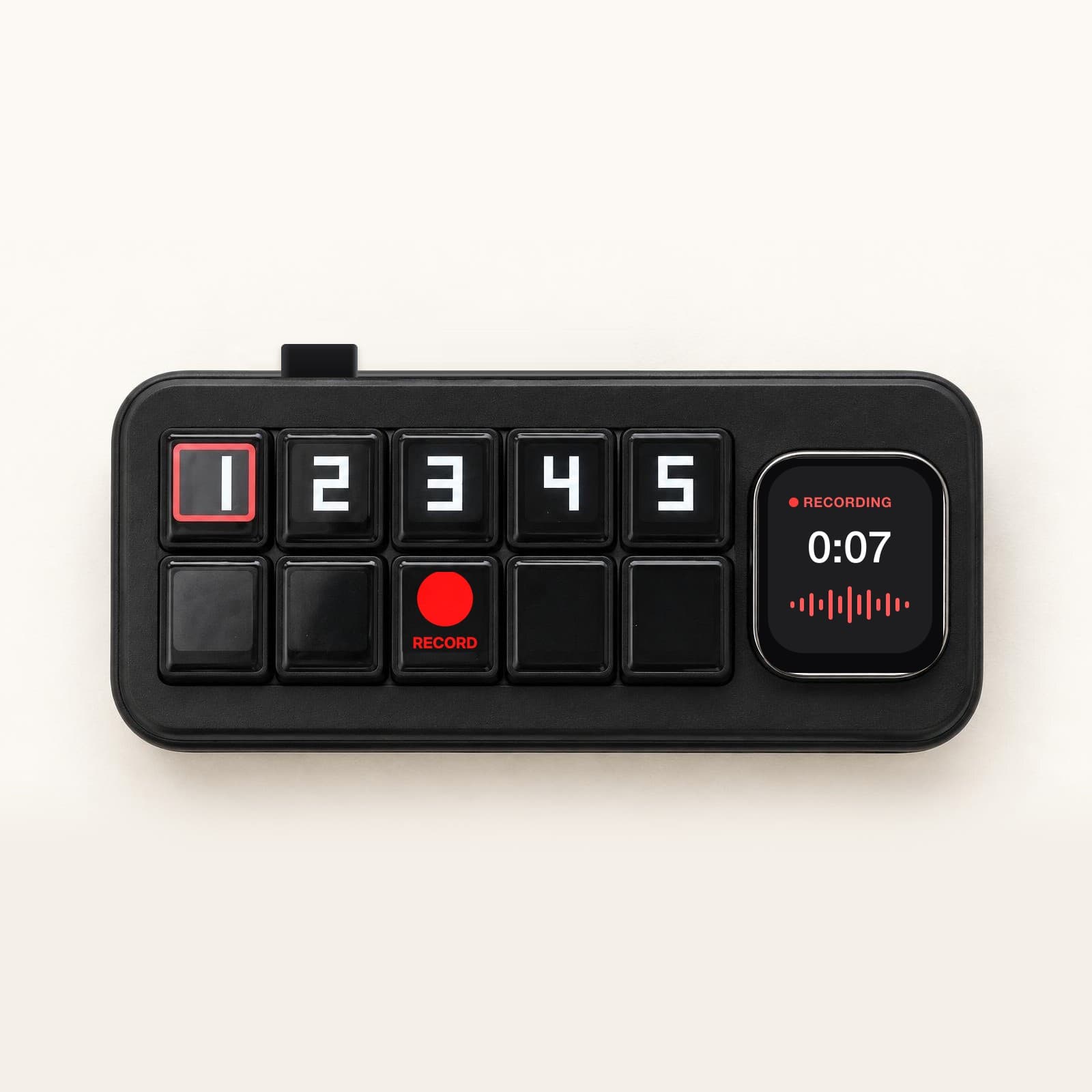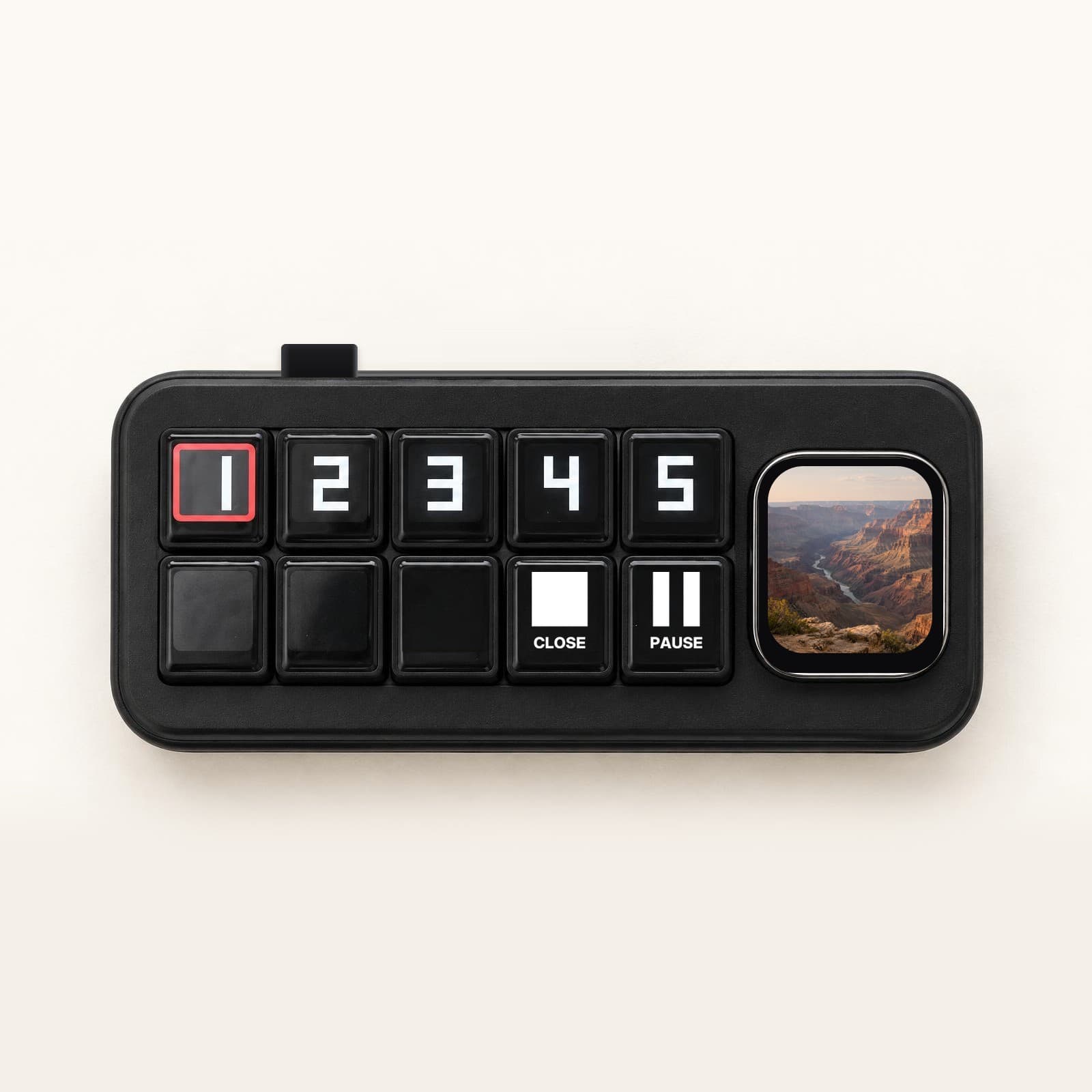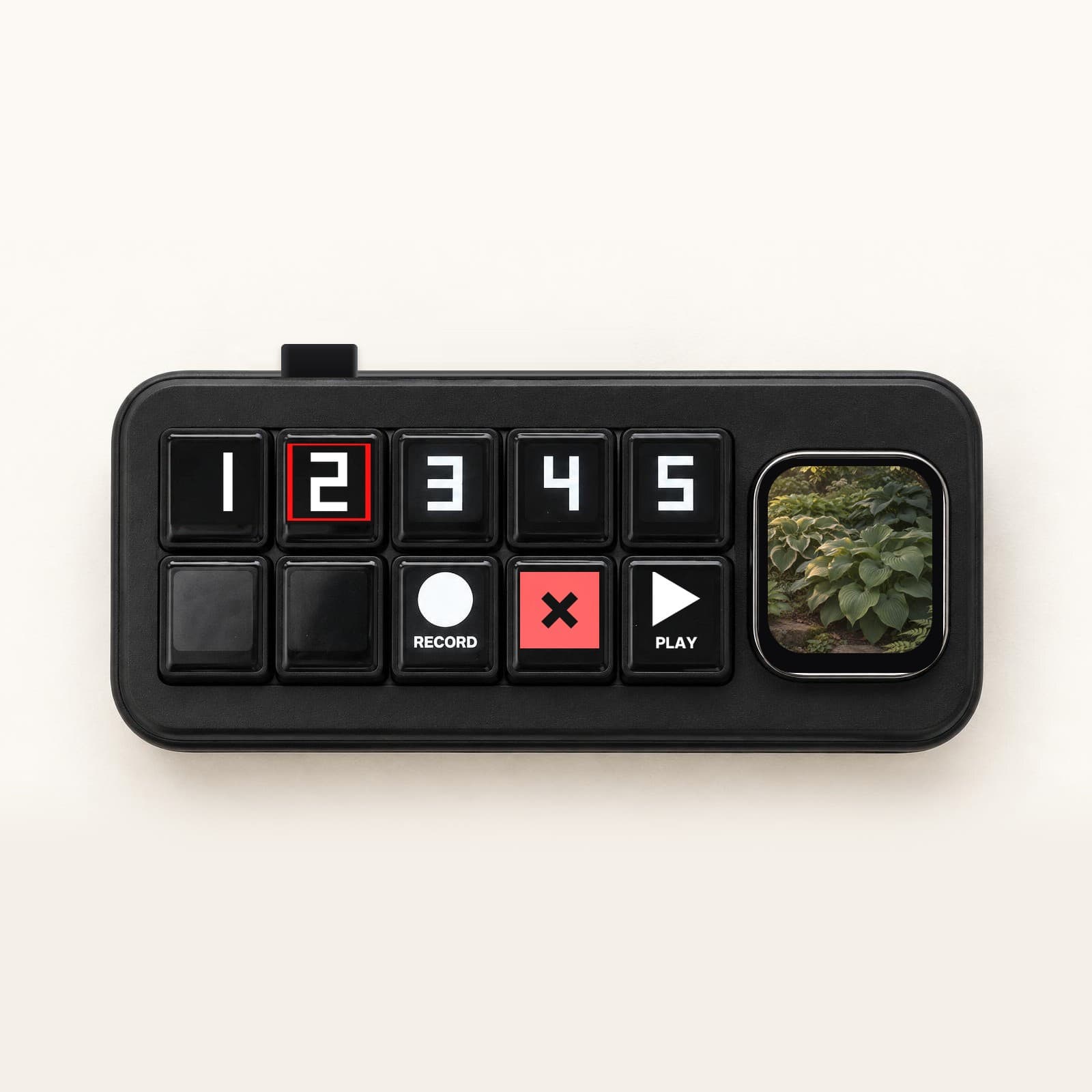
An older woman with grey hair and glasses smiling as she reaches out to press the green talk key on the cream Lutso device, which sits on a wooden side table beside a mug in a warm, sunlit living room

All-in-one: ChatGPT, Gemini & Claude

Get online without a touchscreen.

Lutso is a table-top AI assistant that talks like a patient friend would: loud, slow, and clear. Press TALK to send a voice message. Lutso listens and sends one back.

Less than $1 a day.

  • Never cuts you off
  • Remembers conversations
  • Always gets back to you
NVIDIA Inception Program member

What makes it easy

A computer you talk to, not one you have to learn.

Every computer before this one asked you to learn it.This one just listens, and remembers.

A finger pressing the green talk button on the cream Lutso device as it rests on a wooden desk beside a plant, its screen showing the morning time and a good-morning greeting

Record a voice message

Ask out loud, at your pace

Press TALK and say what you want: a question, a thought, half an idea. Take your time. There’s no overeager AI voice cutting in, nothing to race.

SpeakListen

Play a voice message

An answer comes back

Press again to send. Lutso checks it’s safe, picks the best AI for your question — ChatGPT, Gemini, or Claude — and sends back an answer spoken loud, slow, and clear: easy to follow, easy to trust.

An older woman sitting in a soft armchair smiling toward the cream Lutso device on the side table beside her, its screen reading “Press talk and ask anything?” above the green talk button

Never lose a conversation

Pick up where you left off

Ask a follow-up tomorrow and it knows what you meant. Conversations keep going, and the screen shows the thread so you can quickly find what you talked about before.

Everything works by voice; the screen just confirms what you’re talking about, so you never lose your place.

A silver-haired man in glasses relaxes in an armchair holding a letter, talking to the cream Lutso device on a wooden side table; its screen reads “This letter says your appointment is confirmed.” in a warm, plant-filled living room

What you can ask

Ask out loud. Get unstuck.

Hands-free help for everyday questions, and anything you’re curious about.

  • Make sense of things

    What does this letter mean in plain English?

  • Get practical help

    What’s the next step in this recipe?

  • Follow your curiosity

    Why does the moon look bigger near the horizon?

Settle the dinner-table debate. Finish the crossword. Explore a moment in history, or find the word on the tip of your tongue.

In their own words

What other people are saying.

Swipe
Gemini is like going out to dinner with somebody who is smarter than me. I use it every day, to critique my artwork, discuss politics, teach me about science and books and music.
Carol, retired art teacher · Oregon
For me, a constantly helpful, cheerful font of knowledge. Whatever you seek, even a rare item for your hobby, it’s a great help.
Marianne, hobbyist · Vermont
I’m 77. I use AI every morning during my readings and journaling. It has immeasurably increased the depth and richness of my experience.
Frank, retired · New Mexico
I’m a tech-savvy lady. Been on the computer since DOS in 1986. I love keeping up with the newest apps, and now I’m dipping my foot into AI.
Dolores, retired office manager · Florida
A question came up at our 40th-anniversary brunch, so we answered three or four of them right there, at the table.
Ron, retired engineer · Michigan
I’ve always tried to embrace change, and AI is the biggest of my lifetime. The race goes not to the swiftest, but to the one who adapts.
Jim, retired · North Carolina
I use it instead of Google most of the time now. It’s so much better. Today I made images far more customized than any stock photo.
Steve, retired designer · Colorado
All the time. Love it. I’m 56 and I code custom AIs, honestly for the fun of it.
Dave, semi-retired developer · Washington
I loved ChatGPT. It would answer any question I could think of.
Barbara, retired librarian · Pennsylvania
I love using AI to satisfy my curiosity and engage my mind. It’s more useful for stopping brain rot than coping with its effects.
Marion, retired teacher · Ohio
I love that it can create music with just a few hints from me.
Dorothy, retired librarian · Vermont
I use it to think through complex issues.
Harold, retired engineer · Arizona

Real people, real stories, with names changed for privacy.

Smart speaker.Not a smart listener.

Lutso doesn’t talk over you or cut you off. It’s built to understand your voice and your ask.

Lutso
Smart speaker

Just press the TALK button

nothing to say to wake it up

Waits for you to finish

record a voice message and send it, at your pace

Tuned to an older voice

where a smart speaker actually fails

Real, physical buttons to record, answer, and play

Convenience calling: reach family & friends

initiate and receive calls without a smartphone

No always-on mic

One device, many LLMs

use ChatGPT, Gemini, or Claude to answer

Start the conversation now

Why we built it

We watched someone we love stare at a screen full of icons, get frustrated, and give up — and we knew that wasn’t a them problem. It was a design problem.

Andres TuulSten-Erik Mägus
Andres Tuul & Sten-Erik Mägusfounders of Lutso

Safe by design

An AI you can trust, on your own terms.

  • Nothing listens until you press
  • Nothing is shared without your say-so
  • You set what it can do

Frequently Asked Questions

Which AI does it use?

The best one for the job. Choose ChatGPT, Gemini, or Claude yourself, or let Lutso pick the right one for you and use them together. One button, no vendor homework.

Do I have to talk over it, like a smart speaker?

No. You press to talk, take your time, and press to send; then an answer comes back. Like trading voice messages: no overeager AI voice cutting you off, nothing to race, nothing to say to wake it up.

Does it remember what I asked?

Yes. It remembers your past questions, so you can pick up a conversation where you left off and go deeper over days.

Is the AI trustworthy?

It’s grounded in vetted sources (and says when it’s unsure), refuses anything medical or financial, and can check whether a suspicious message is real before you act.

What do I have to do?

Press a button and talk. Nothing to set up, charge, wear, or remember. A few minutes out of the box.

Is it a medical or emergency device?

No. No SOS or fall detection. It’s a tool for a capable adult.

Can I share it with someone I trust?

Yes. Lutso comes with an optional companion app for someone you trust: an adult child, a friend, a neighbor. You decide whether to turn it on and exactly what it can do. They can help you get set up and pick your AI the first time, add or update the people you’re able to reach, and set a reminder or add something to your day from wherever they are, so you never have to fiddle with settings alone. If a question needs a hand, they can help sort it out without being in the room. You can send them a voice message or share what you’ve been curious about whenever you like, and they can get a gentle “you’re doing well” note, never a word of what you actually said. You see exactly what they see, choose what’s shared, and can change it or switch it off any time.

The cream Lutso device on a soft blush background, turned three-quarters, its calm morning screen and physical keys clearly in view

Limited Availability

The AI everyone’s talking about, one button away.

Learn more about pricing and reserve yours today.